Download XM Trading
Platforms
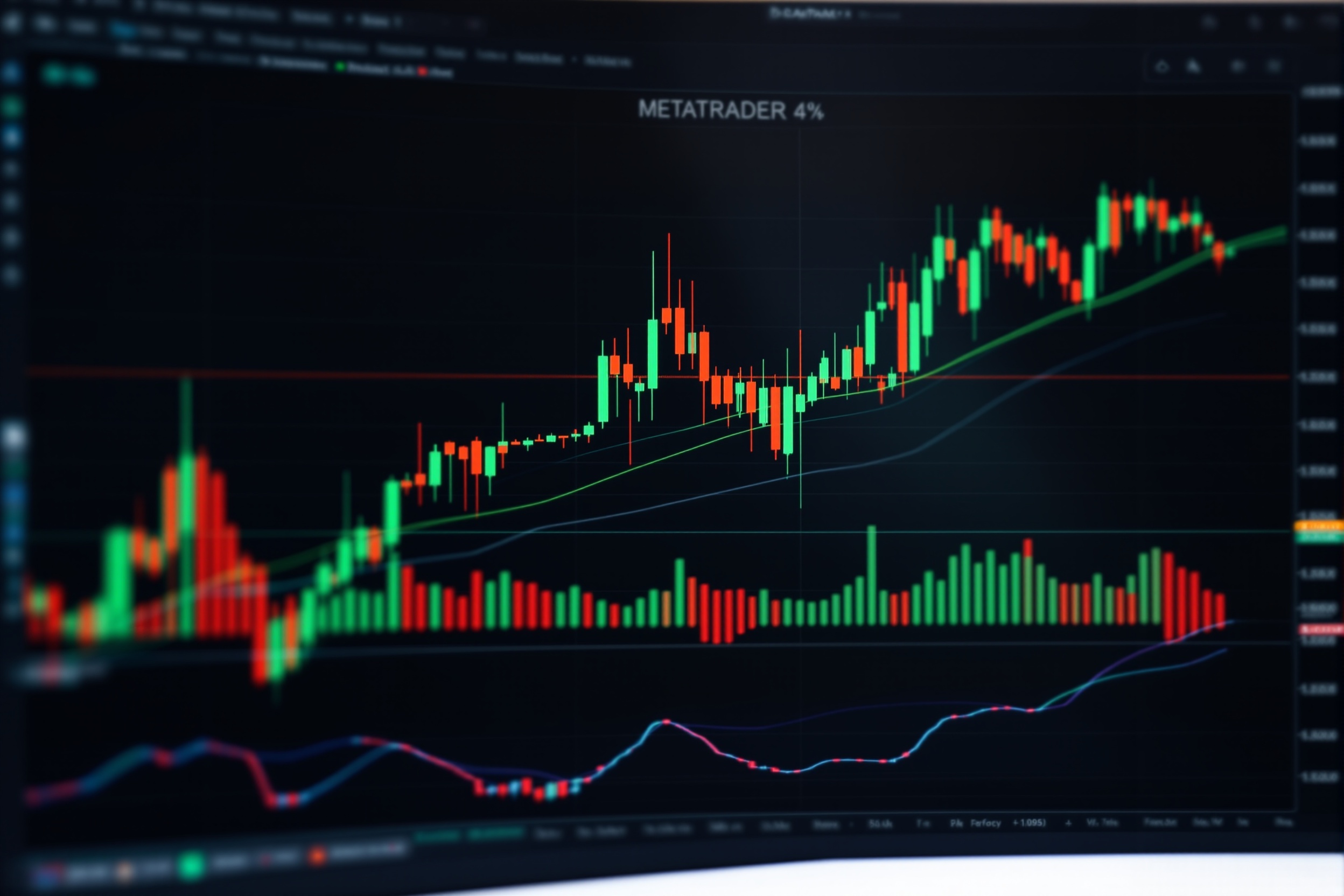
Get MT4, MT5, and the XM mobile app — free for Windows, Mac, iOS, and Android. Start trading in minutes with no minimum deposit.
Download XM MT4
The world's most-used forex trading platform. Free XM MT4 download for Windows, Mac, iOS, and Android.
- 9 timeframes & 30+ technical indicators
- Expert Advisors (EAs) & automated trading
- One-click trading & hedging
- Built-in MQL4 strategy tester
- Mobile sync across all devices
- Real-time news & economic calendar
Version
Build 1380+
Platform
Windows 7+, macOS 10.13+
File Size
~28 MB (Windows)
Language
38 languages
100% Free
No hidden fees
Compare XM Platforms
Choose the right trading platform for your strategy
View full platform details & feature breakdown
| Feature | MT4 | MT5 | iOS & Android |
|---|---|---|---|
| Windows & Mac | |||
| iOS App | |||
| Android App | |||
| WebTrader | |||
| Expert Advisors | |||
| Depth of Market | |||
| 21+ Timeframes | |||
| Multi-asset (Stocks/Futures) | |||
| Biometric Login | |||
| Push Notifications |
Not sure which platform to download?
Compare MT4 vs MT5 vs WebTrader — features, timeframes, EAs, and more.
How to Install XM MT4
Up and running in 4 simple steps
Download the Installer
Click the Windows or macOS download button and save the installer file.
Run Setup
Open the downloaded file and follow the installation wizard — takes under 2 minutes.
Login or Open Account
Enter your XM live or demo account credentials, or register a new account in-app.
Start Trading
Browse instruments, place your first trade, and configure your charts and indicators.
Ready to start trading?
Open a free XM account, download MT4 or MT5, and get a $30 no-deposit bonus to start trading immediately.